

Answer
This article presents step-by-step instructions on how to activate the Foxit PDF Editor on Mac1. Run Activation app > Click Sign In on the bottom right corner
 6. Restart Foxit PDF Editor application Congratulations! You are now ready to use Foxit PDF Editor.Please refer to this article for details about activating Foxit on Windows How to activate Foxit PDF Editor on Windows – Help Center | Foxit SoftwareIf you still have questions or comments about how to activate the Editor using the Admin Console, please contact Foxit support to create a support ticket. Thank you.
2. Input email and password in the Sign In window > Click Login
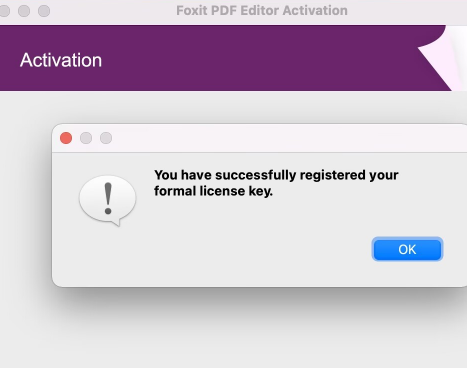
5. You will receive a prompt "You have successfully registered your formal license key." Click OK on the bottom right corner